BasicArrowDemo
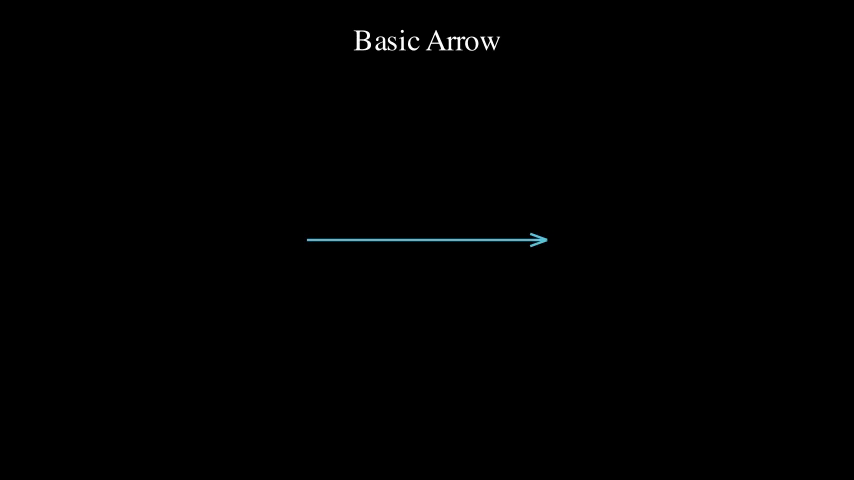
Simple arrow with textbook-style tips
Preview
Video
Code Example
# Basic arrow with simple two-line tip (textbook style)
arrow = ArrowUtil.arrow(LEFT * 2, RIGHT * 2, color=BLUE)
self.play(Create(arrow))
self.wait(2)
BidirectionalArrowDemo
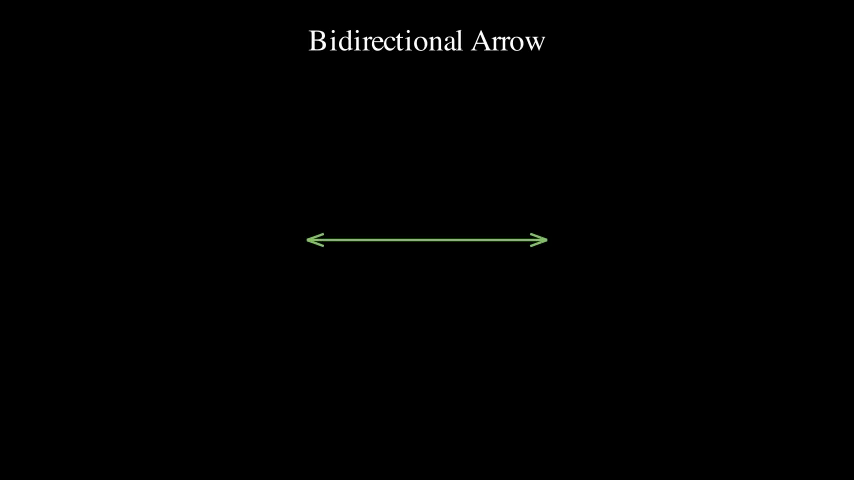
Arrow with tips on both ends
Preview
Video
Code Example
# Bidirectional arrow (tips on both ends)
arrow = ArrowUtil.arrow(
    LEFT * 2, RIGHT * 2,
    bidirectional=True,
    color=GREEN
)
self.play(Create(arrow))
self.wait(2)
CombinedFeaturesDemo
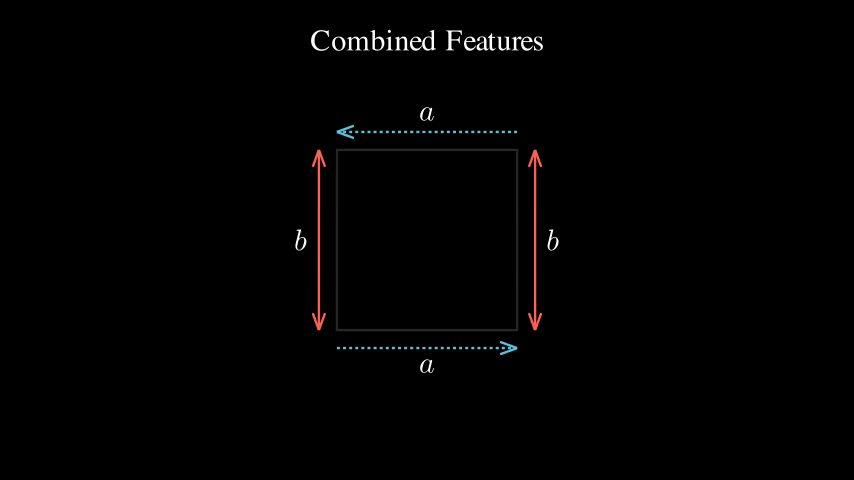
Combining multiple features: dashed lines with labels
Preview
Video
Code Example
# Square with labeled sides
square = Square(side_length=3, color=GRAY)
v1, v2, v3, v4 = square.get_vertices()

self.play(Create(square))
self.wait(0.5)

# Top side - dashed with label
arrow_top = ArrowUtil.arrow(
    v1, v2,
    dashed=True,
    buff=-0.3,
    color=BLUE
)
label_top = ArrowUtil.label(arrow_top, MathTex("a"), buff=-0.3)

# Right side - solid bidirectional with label
arrow_right = ArrowUtil.arrow(
    v2, v3,
    bidirectional=True,
    buff=-0.3,
    color=RED
)
label_right = ArrowUtil.label(arrow_right, MathTex("b"), buff=-0.3)

self.play(Create(arrow_top), Write(label_top))
self.wait(0.5)
self.play(Create(arrow_right), Write(label_right))
self.wait(2)
CurvedArrowDemo
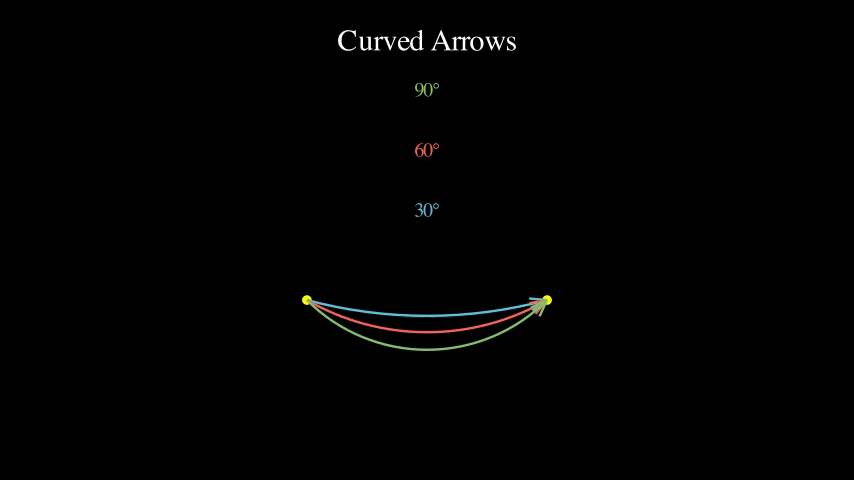
Arrows along circular arcs with different angles
Preview
Video
Code Example
start = LEFT * 2 + DOWN
end = RIGHT * 2 + DOWN

# Curved arrow with 30 degree arc
arrow1 = ArrowUtil.curved_arrow(
    start, end,
    angle=30 * DEGREES,
    color=BLUE
)

# Curved arrow with 60 degree arc
arrow2 = ArrowUtil.curved_arrow(
    start, end,
    angle=60 * DEGREES,
    color=RED
)

# Curved arrow with 90 degree arc (more pronounced curve)
arrow3 = ArrowUtil.curved_arrow(
    start, end,
    angle=90 * DEGREES,
    color=GREEN
)

self.play(Create(arrow1))
self.wait(0.5)
self.play(Create(arrow2))
self.wait(0.5)
self.play(Create(arrow3))
self.wait(2)
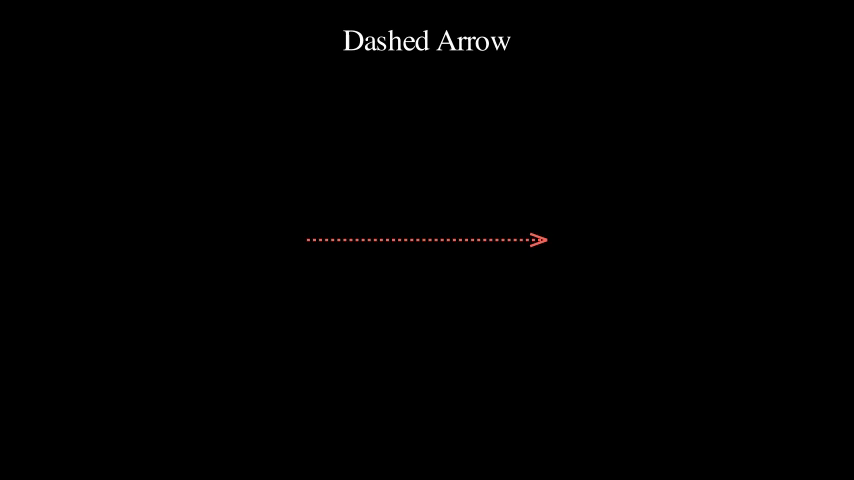
DashedArrowDemo
Arrow with dashed line
Preview
Video
Code Example
# Dashed arrow
arrow = ArrowUtil.arrow(LEFT * 2, RIGHT * 2, dashed=True, color=RED)
self.play(Create(arrow))
self.wait(2)
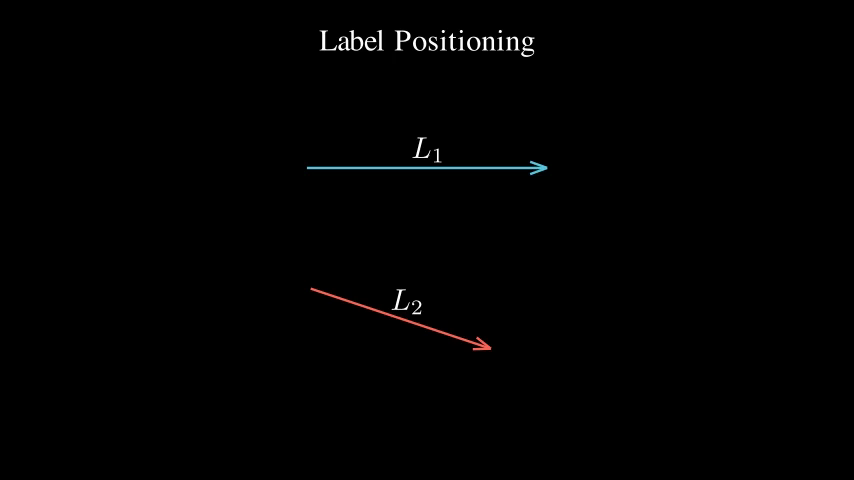
LabelPositioningDemo
Automatic label positioning with perpendicular offset
Preview
Video
Code Example
# Horizontal arrow with label
arrow1 = ArrowUtil.arrow(LEFT * 2 + UP, RIGHT * 2 + UP, buff=0.2, color=BLUE)
label1 = ArrowUtil.label(arrow1, MathTex("L_1"), buff=0.3)

# Diagonal arrow with label
arrow2 = ArrowUtil.arrow(LEFT * 2 + DOWN, RIGHT * 1 + DOWN * 2, buff=0.2, color=RED)
label2 = ArrowUtil.label(arrow2, MathTex("L_2"), buff=0.3)

self.play(Create(arrow1), Write(label1))
self.wait(0.5)
self.play(Create(arrow2), Write(label2))
self.wait(2)
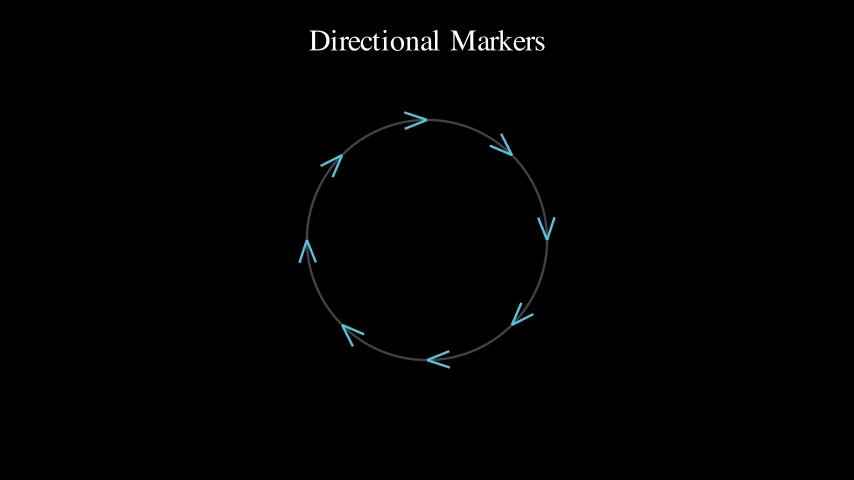
MarkerDemo
Directional markers at specific points
Preview
Video
Code Example
# Create a circle
circle = Circle(radius=2, color=GRAY)
self.play(Create(circle))
self.wait(0.5)

# Add markers at different positions around the circle
markers = VGroup()
for i in range(8):
    proportion = i / 8
    point = circle.point_from_proportion(proportion)

    # Calculate tangent direction
    next_point = circle.point_from_proportion((proportion + 0.01) % 1)
    direction = next_point - point

    # Create marker at point
    marker = ArrowUtil.marker(
        point, direction,
        tip_length=0.4,
        color=BLUE
    )
    markers.add(marker)

self.play(Create(markers))
self.wait(2)
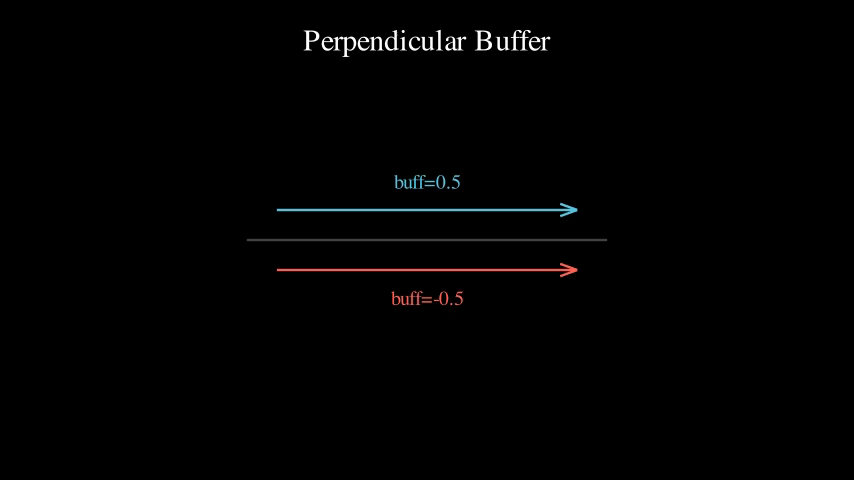
PerpendicularBufferDemo
Arrows with perpendicular offset
Preview
Video
Code Example
# Reference line
ref_line = Line(LEFT * 3, RIGHT * 3, color=GRAY)

# Arrow with positive buffer (shifted upward)
arrow1 = ArrowUtil.arrow(LEFT * 2.5, RIGHT * 2.5, buff=0.5, color=BLUE)

# Arrow with negative buffer (shifted downward)
arrow2 = ArrowUtil.arrow(LEFT * 2.5, RIGHT * 2.5, buff=-0.5, color=RED)

self.play(Create(ref_line))
self.wait(0.5)
self.play(Create(arrow1), Create(arrow2))
self.wait(2)